Water intake tracking for Android
Log a glass. See the day move toward your goal.
CaloTec-AI adds water entries to a daily total, shows progress toward a goal, and uses reminders to help the habit keep moving.
From the first glass to a routine you can keep
Set a daily goal
The goal gives every entry a clear place in the day and shows how far you have progressed.
Log right after drinking
Each amount joins the daily total. Logging close to the moment keeps the view current.
Add a reminder at the right time
A reminder that fits your routine brings you back to the next glass and its entry.
Every entry moves the daily total
The amount you log joins the total immediately and advances progress toward the goal. Open the screen during the day to see what is recorded and the next step in your habit.
- A daily total updated with every entry
- Clear progress toward a goal
- Reminders that bring you back to the habit
Connect logging to a moment already in your day
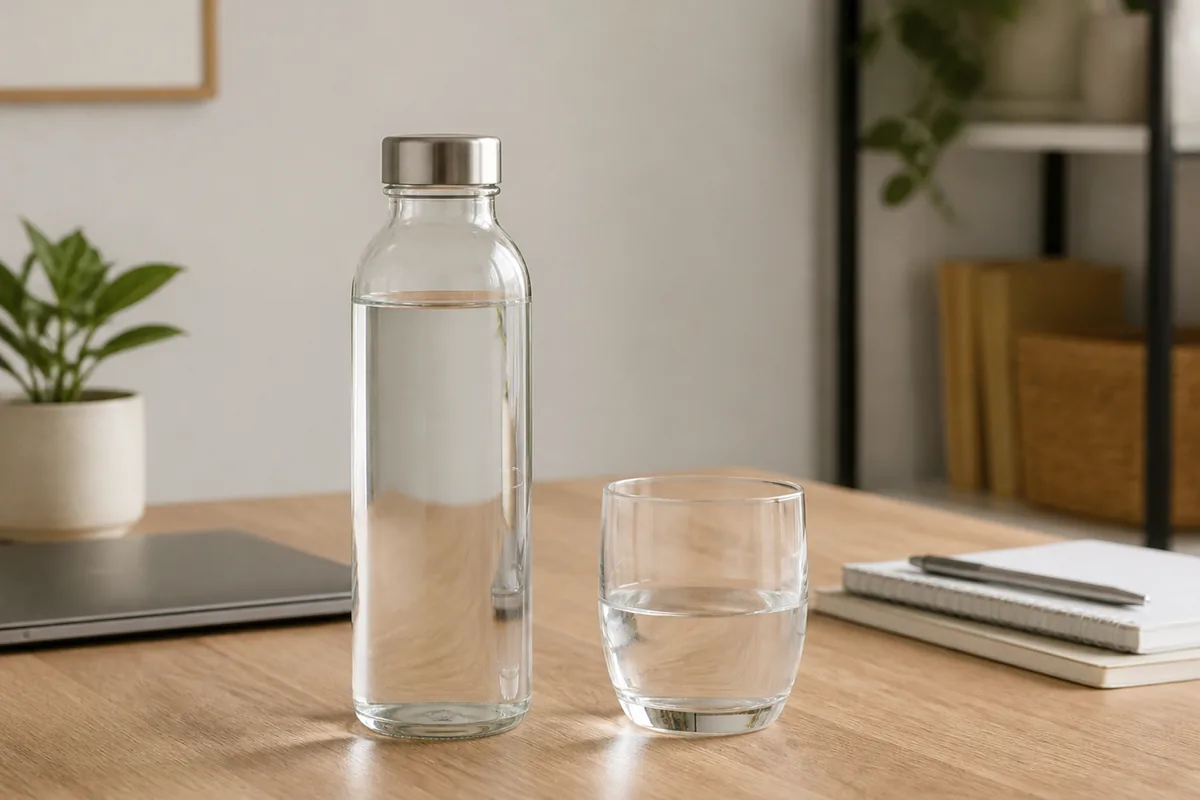
Choose a regular moment such as refilling your bottle, having a glass with a meal, or starting a break. Logging right after drinking makes it a natural part of that moment.
A useful reminder arrives when you can act
Choose a time when water is usually within reach. When the reminder appears, drink and log in one short sequence.
Water-tracking questions
How does water join the day?
Each entry adds to the daily total and updates progress toward the goal.
How does the daily goal help?
It gives the total a clear reference point throughout the day.
When should I set a reminder?
Choose a time when water is usually within reach and you can log immediately.
What else is in the same app?
CaloTec-AI keeps water beside calories, nutrition, steps, and weight.

Your next glass can start the sequence
Download CaloTec-AI for Android, set a goal, and log your next drink.