

01
Describe the meal
Say or type the food in your own words. Add an amount, sauce, or cooking method when it helps describe the dish.
Calorie tracking
Describe what you ate by voice or text, edit the estimate, and save. Each meal immediately joins a daily summary of your intake, goal, and progress.
A short entry flow that ends with a clear view of the day.
01
Say or type the food in your own words. Add an amount, sauce, or cooking method when it helps describe the dish.
02
CaloTec-AI returns a food list and nutrition estimate. Review the items and change anything that needs adjustment.
03
After saving, the calories join your diary and update progress against your goal.
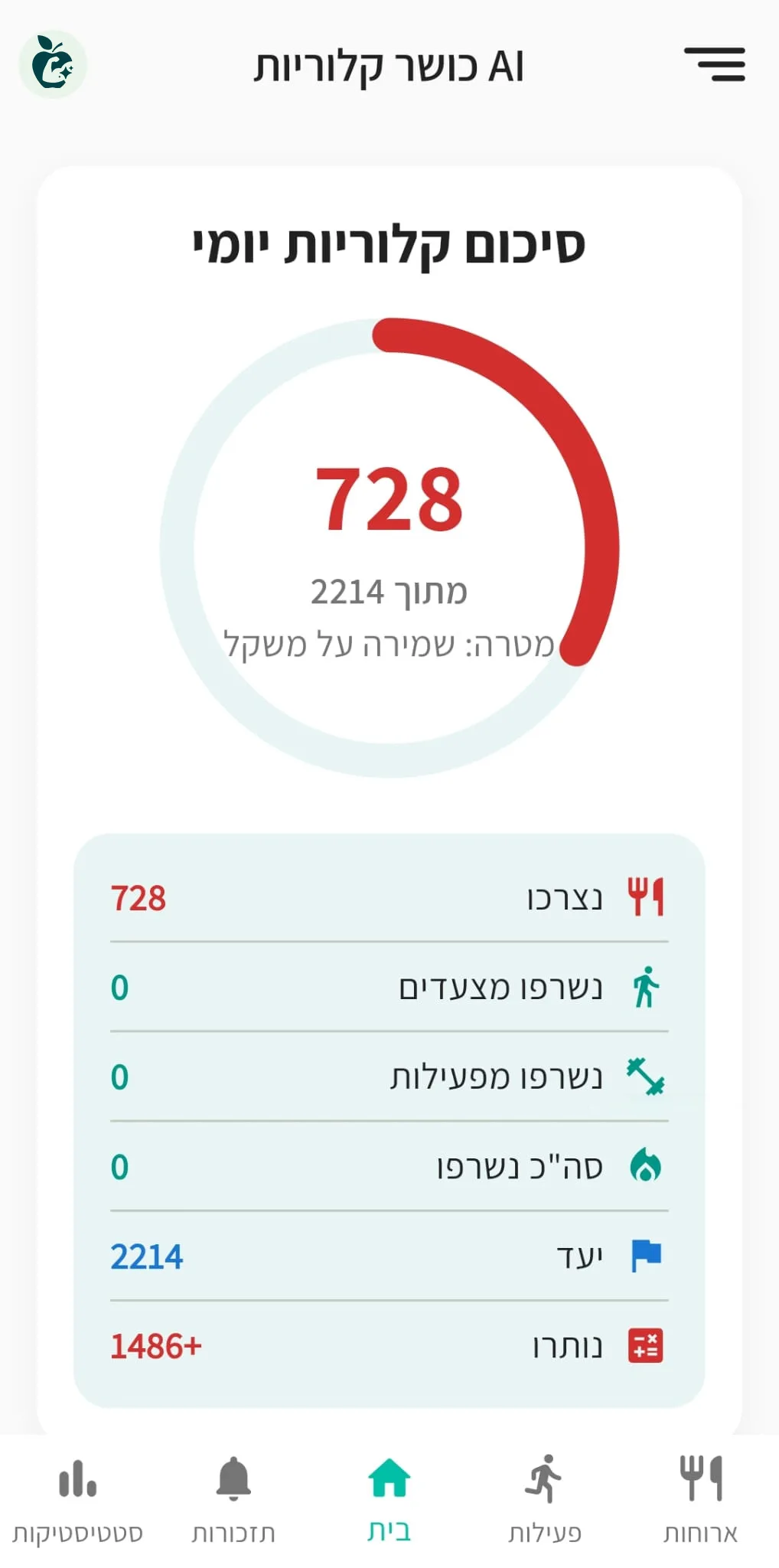
The summary brings together calories from saved meals, your daily goal, and estimated burn. Instead of remembering breakfast and lunch, you can open the app and see how the day is moving.
“Vegetable salad with one tablespoon of tahini and half a pita” gives you a more useful entry than “salad.” Use familiar kitchen units such as a tablespoon, cup, slice, or item, then adjust the result before saving.
A guide to clearer meal loggingThe calorie page focuses on your goal, meals, and daily summary. Nutrition tracking adds protein, carbohydrates, fat, vitamins, and minerals. Voice tracking shows how to log the same meal by speaking in any of the five supported languages.
Describe the dish, its main ingredients, and an amount you recognize. For example: “a bowl of rice with chicken breast, vegetables, and a tablespoon of tahini.”
Review the returned foods and amounts, then adjust them to match the meal you described.
The meal joins your diary, and the daily summary updates your intake and remaining calories against the goal.
The app is free, includes ads, and does not require a subscription.
Describe it, edit the result, and save — the daily summary updates with it.