
Describe a meal
Say or type what you ate, run the analysis, then review the estimated calories and nutrition before saving.
All-in-one health tracker
CaloTec-AI keeps five daily measures in one Android diary. Meals start with voice or text, steps come from the selected source, and weight and water take a quick manual entry.
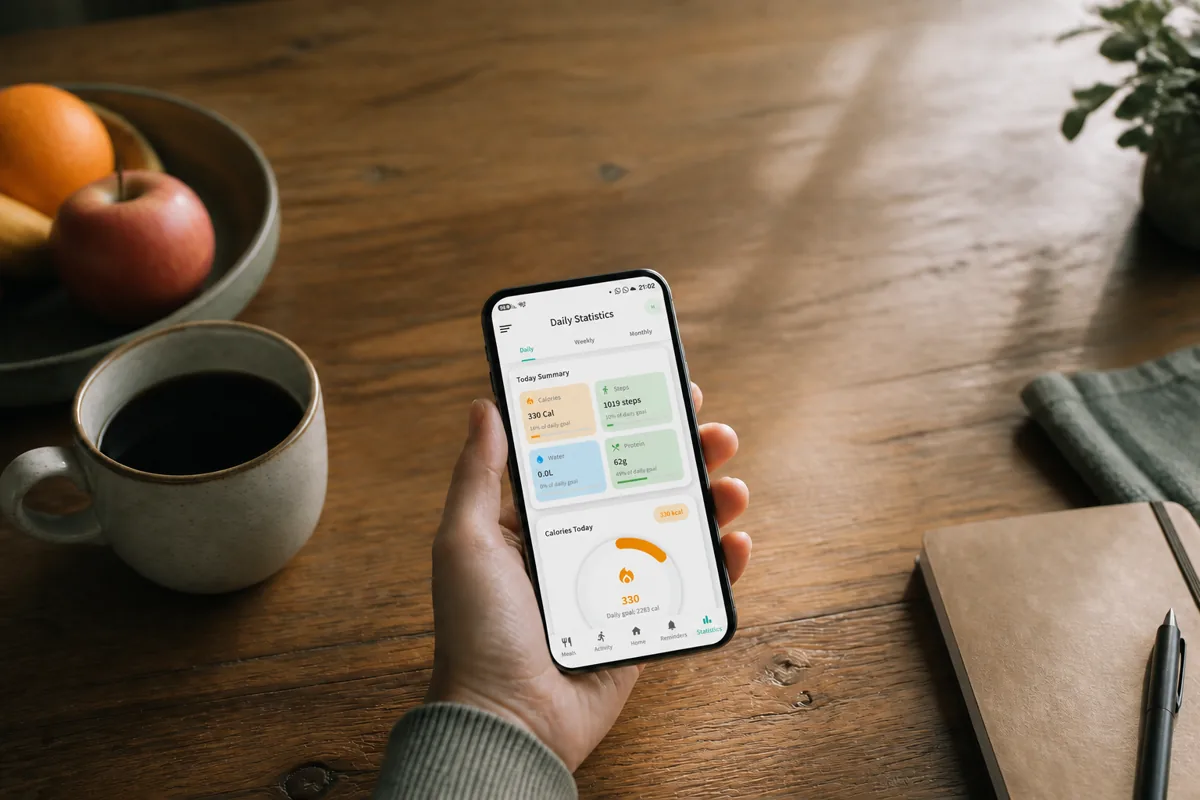
A meal, a walk, a weigh-in, and a glass of water are different actions. When each lives in a separate app, it is easy to lose track of what was recorded. CaloTec brings them into one daily routine while each measure keeps the entry method that fits it.
Start with one measure, then add each entry when the real-world action happens.
Say or type what you ate, run the analysis, then review the estimated calories and nutrition before saving.
The count updates automatically from the selected available step source and supports a step-based calorie-burn estimate.
A weigh-in goes into weight history; each drink adds to the daily water total and goal.
Open one app to check meals, movement, weight, and water. Each screen adds another useful part to the day you are already recording.
Meal analysis estimates calories, protein, carbohydrates, and fat. The result also includes vitamins A, C, D, E, K, B6, B12, and folate, alongside iron, calcium, magnesium, and zinc.
The app displays step count and history and can calculate estimated calories burned from steps.
Add, edit, or delete entries, follow a target, and view a seven-day weight trend.
Each entry contributes to the daily total, with a daily goal and optional reminders.
Yes. Begin with the measure that matters today and add others when they become useful.
Say or type what you ate, request analysis, and review the calorie and nutrition estimate before saving it.
The Android app supports Hebrew, English, Arabic, Spanish, and Chinese.
No. CaloTec-AI is free to use, supported by ads, with no subscription.
Install CaloTec-AI on Android and bring in the other trackers when you need them.