

01
Describe the meal
Tap the microphone and say what you ate in your own words, including an amount or extra you want in the diary.
Voice meal logging
Say what was in the meal, see your words on screen, and continue to an estimate you can edit. The same flow works in English, Hebrew, Arabic, Spanish, and Chinese.
Speaking replaces a long search or typing session, while the transcript stays open for changes before analysis.
01
Tap the microphone and say what you ate in your own words, including an amount or extra you want in the diary.
02
The transcript appears in the meal field. Change a food name, number, or unit, and add anything you remembered.
03
CaloTec-AI returns the foods and nutrition values. Edit where needed, save, and watch the daily summary update.
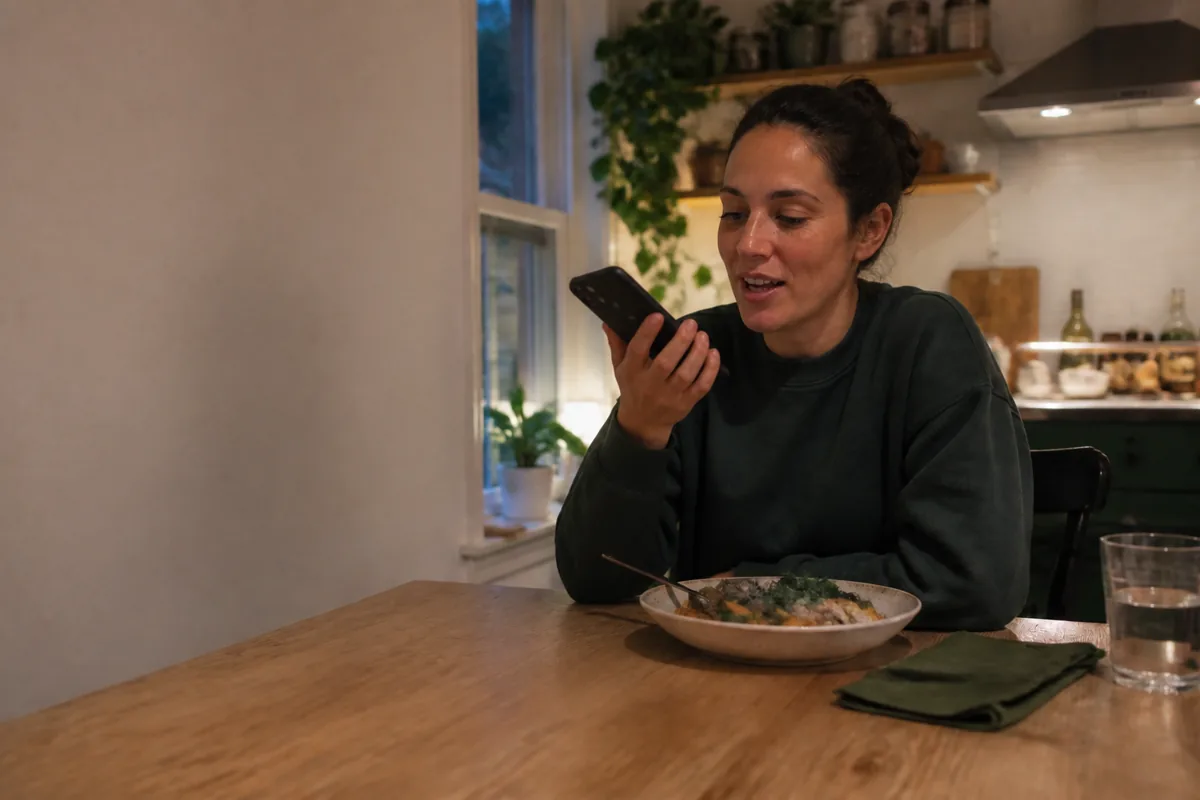
Log a meal by voice or text in English, Hebrew, Arabic, Spanish, or Chinese. The transcript appears in the same editable field before analysis.
Say, “I had two eggs on toast with half an avocado.” One sentence carries the dish, amount, and extras into the same description, without looking up each ingredient separately.
The analysis returns calories, protein, carbohydrates, fat, vitamins, and minerals. After editing and saving, they all join the daily summary.
See what nutrition tracking includesSpeak when you finish eating, and type when the room is noisy or a longer recipe is easier to write. Both routes lead to the same estimate and diary.
Include the dish, amount, and extras in one sentence, such as “a bowl of rice with chicken, vegetables, and a tablespoon of tahini.”
Yes. Edit the text before analysis and add a missing amount or ingredient.
Yes. Both methods use the same field and continue to the same nutrition analysis.
English, Hebrew, Arabic, Spanish, and Chinese in the Android app.
One sentence starts the entry, and the diary updates after you save.