Guides
Logging a Meal Without a Photo: Voice and Text in Five Languages

Finish eating and describe what was in the meal. CaloTec-AI turns a spoken or typed description into editable foods and nutrition values, then adds them to the diary. The same flow is available in English, Hebrew, Arabic, Spanish, and Chinese.
Start with a Natural Sentence
Say or type, "I had two slices of toast with an egg, avocado, and a teaspoon of oil." The sentence carries the dish, amount, and extras into one description.
Start with the whole meal as you remember it instead of splitting bread, egg, and avocado across separate screens. Shape the details in the result.
Voice Logging in Five Languages
Tap the microphone and speak in the language you use in the app. The transcript appears in the meal field.
English, Hebrew, Arabic, Spanish, and Chinese follow the same path: speech, editable text, analysis, and saving. Fix a word or number before requesting the estimate.
The Transcript Stays Editable
After speaking, add an amount, replace a product name, or include a sauce you nearly forgot. If the transcript says "one slice" instead of "two slices," change the text and continue.
That quick edit is especially useful for food names, units, and home recipes.
When Typing Fits Better
Voice works well just after a meal, while the details are easy to recall. Typing suits a noisy room, a shared space, or a longer recipe that is easier to write on screen.
Both methods use the same field and reach the same analysis. Choose again with every meal.
What the Description Produces
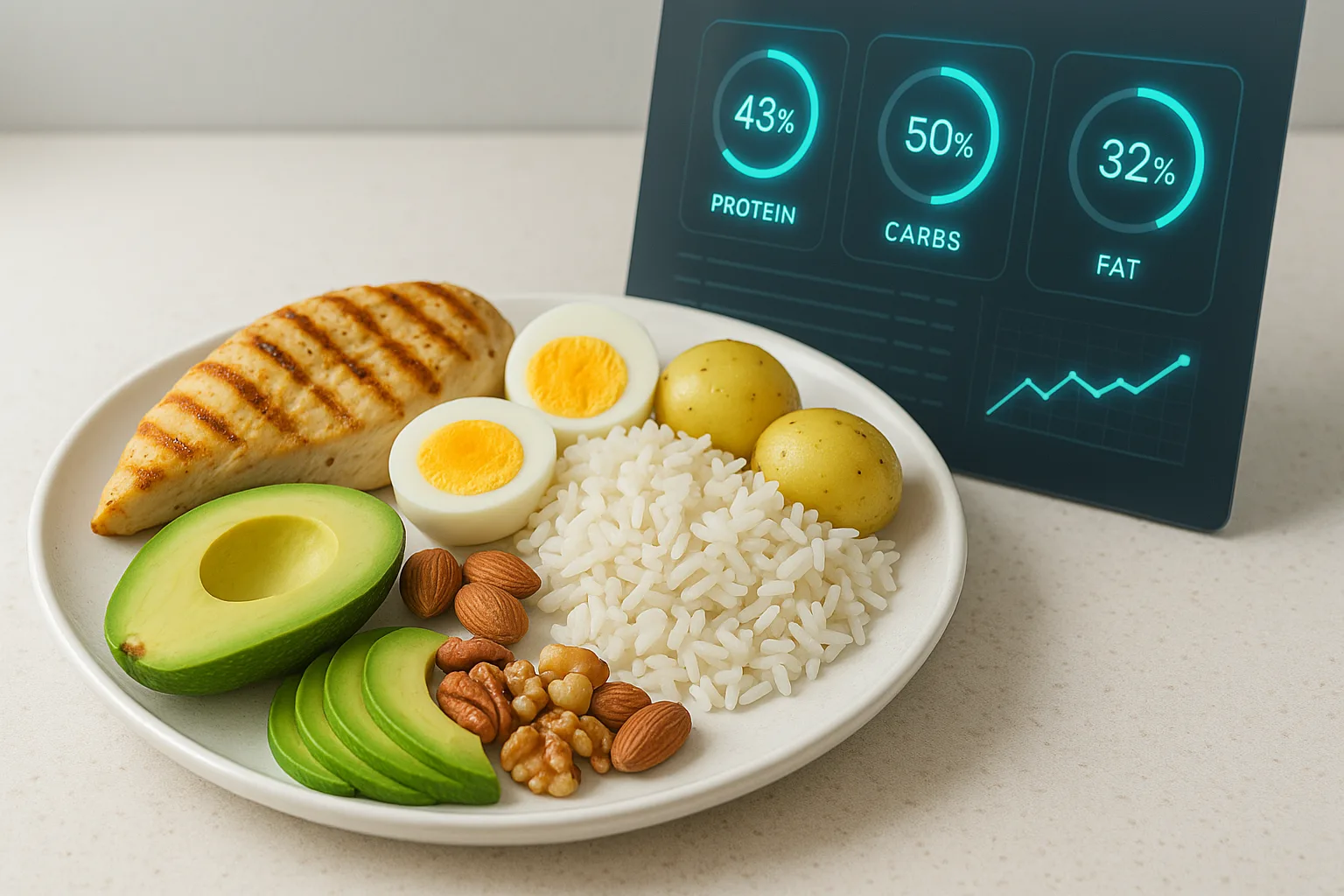
CaloTec-AI separates the sentence into food items and returns estimated calories, protein, carbohydrates, fat, vitamins, and minerals.
The returned list remains editable. Change an item or amount, then save the entire meal as one diary entry.
Every Save Updates the Day
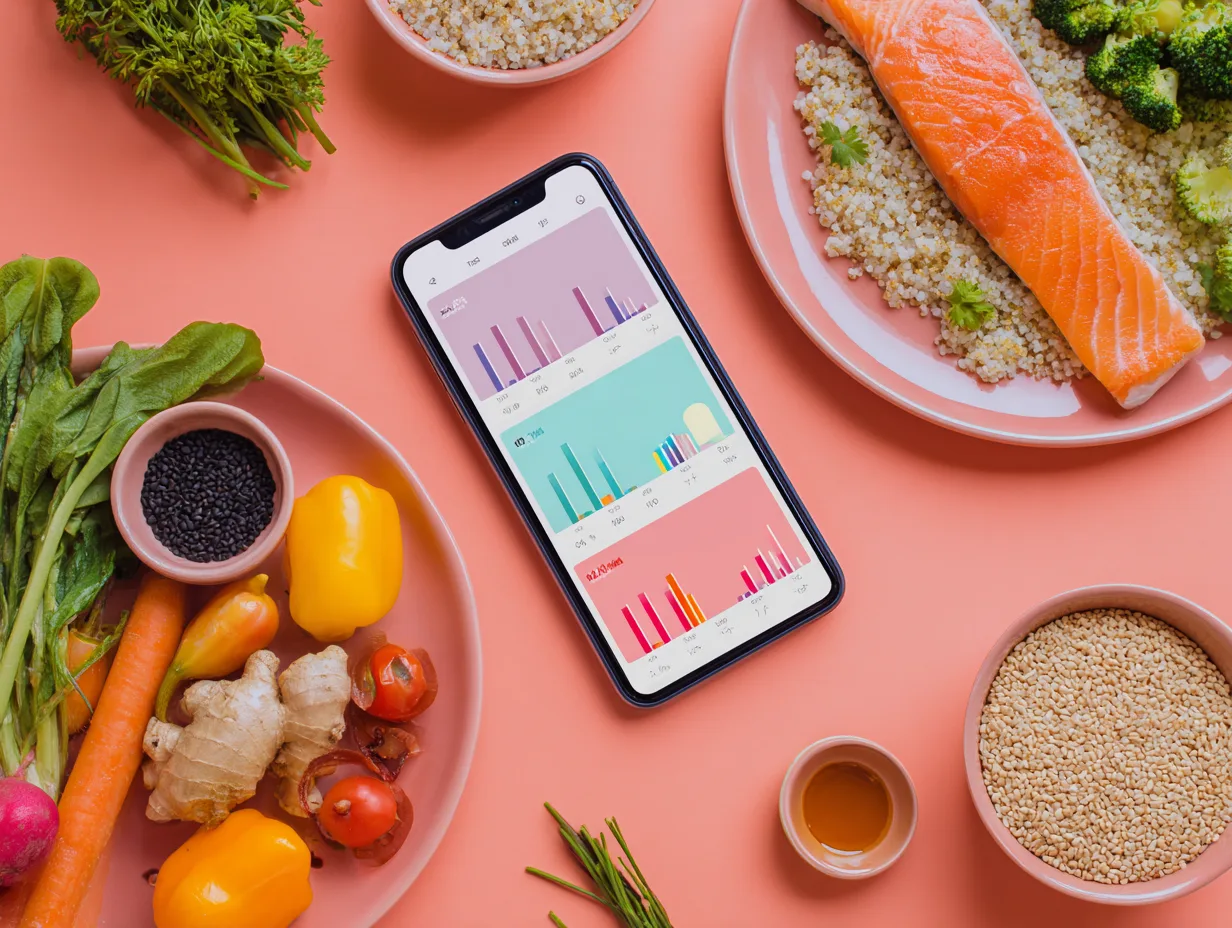
The meal joins the calorie summary and the macro, vitamin, and mineral views. A sentence spoken after breakfast later connects with lunch and dinner entries.
The daily view makes it easier to see what is already in the diary, which meals contributed more protein, and how small extras changed the summary.
A Flow That Fits a Busy Day
- Speak or type just after eating.
- Read the text and add an amount or extra.
- Edit the returned food list.
- Save and move on.
The entry stays short, while the day builds one meal at a time.
Want to shorten meal logging?
Download, describe what you ate, and review the estimate before saving.