Guides
Calories and Macros in One Diary: Reading the Day Through Your Meals

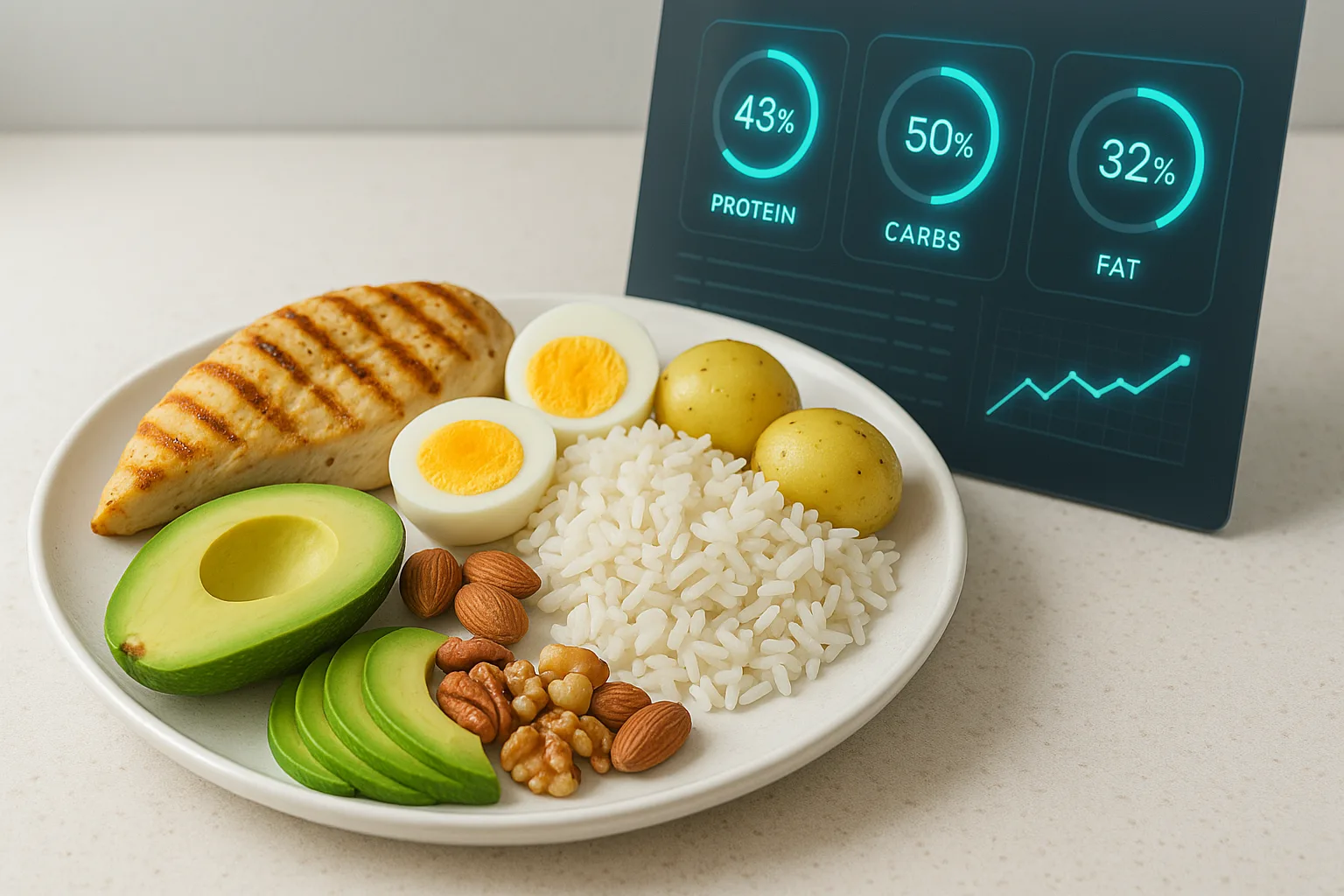
Calories show how much energy entered the diary. Protein, carbohydrates, and fat add the composition behind that energy. When the values appear together, it becomes easier to understand each meal and where it fits in the day.
From One Description to a Meal Breakdown
In CaloTec-AI, a meal starts with a voice or text description. Say “yogurt with a banana, oats, and a tablespoon of peanut butter” and receive a breakdown of the food items with their calories and macros.
The breakdown shows the meal total and what each item contributes. It helps you notice a missing ingredient, adjust an amount, and save an entry that feels closer to what you ate.
Amount Changes the Picture
Serving size is one of the most useful details in a description. Half a cup of rice and a full cup create different meals; a tablespoon of oil, a sauce, or an extra topping can also change the summary. Familiar units such as a tablespoon, cup, slice, or item keep the process practical without turning every meal into a weighing project.
Read the Meal in Its Daily Context
Once saved, calories and macros add to the daily summary. One meal may contribute more protein, while another brings more carbohydrates or fat. The useful picture comes from seeing them together across the day.
Patterns Become Easier to Notice
As the same logging routine continues, practical patterns begin to stand out: which meals keep you satisfied, when the goal feels harder to follow, and which choices keep returning. The diary turns a vague memory into a sequence you can actually read.
A Simple Logging Routine
- Describe the meal as you would tell a friend.
- Add an amount, sauce, or cooking method when it matters.
- Review the food items and correct what needs attention.
- Save and see calories and macros join the day.
Macro tracking can stay part of everyday life: detailed enough to be useful and simple enough to return to tomorrow.
Want to shorten meal logging?
Download, describe what you ate, and review the estimate before saving.