Guides
How a Meal Description Becomes a Nutrition Diary That Fits What You Ate
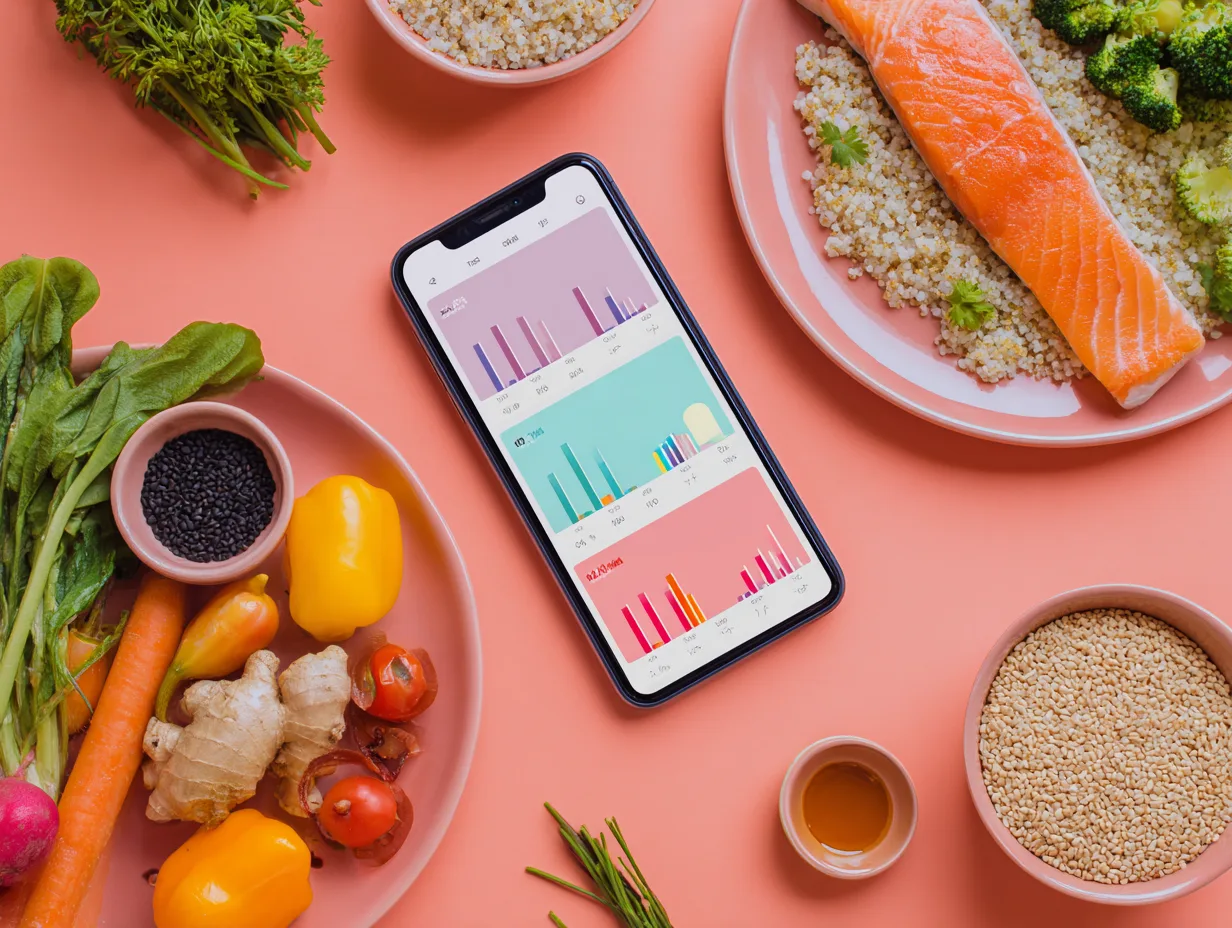
Real meals do not always come with a tidy label. It might be a bowl you assembled at home, a sandwich grabbed on the way, or a dish shared at a restaurant. CaloTec-AI starts with your words: describe what you ate, receive a nutrition breakdown, and edit it before saving.
Start with the Details You Know
The dish name is a useful start, and a few small details make the entry more useful. Add an amount, extras, or the cooking method: “a bowl of rice with chicken, vegetables, and a tablespoon of tahini” says more than “lunch.”
You do not need a weight in grams. A tablespoon, cup, slice, or familiar serving lets you describe the meal naturally and move on.
See a Wider Nutrition Picture
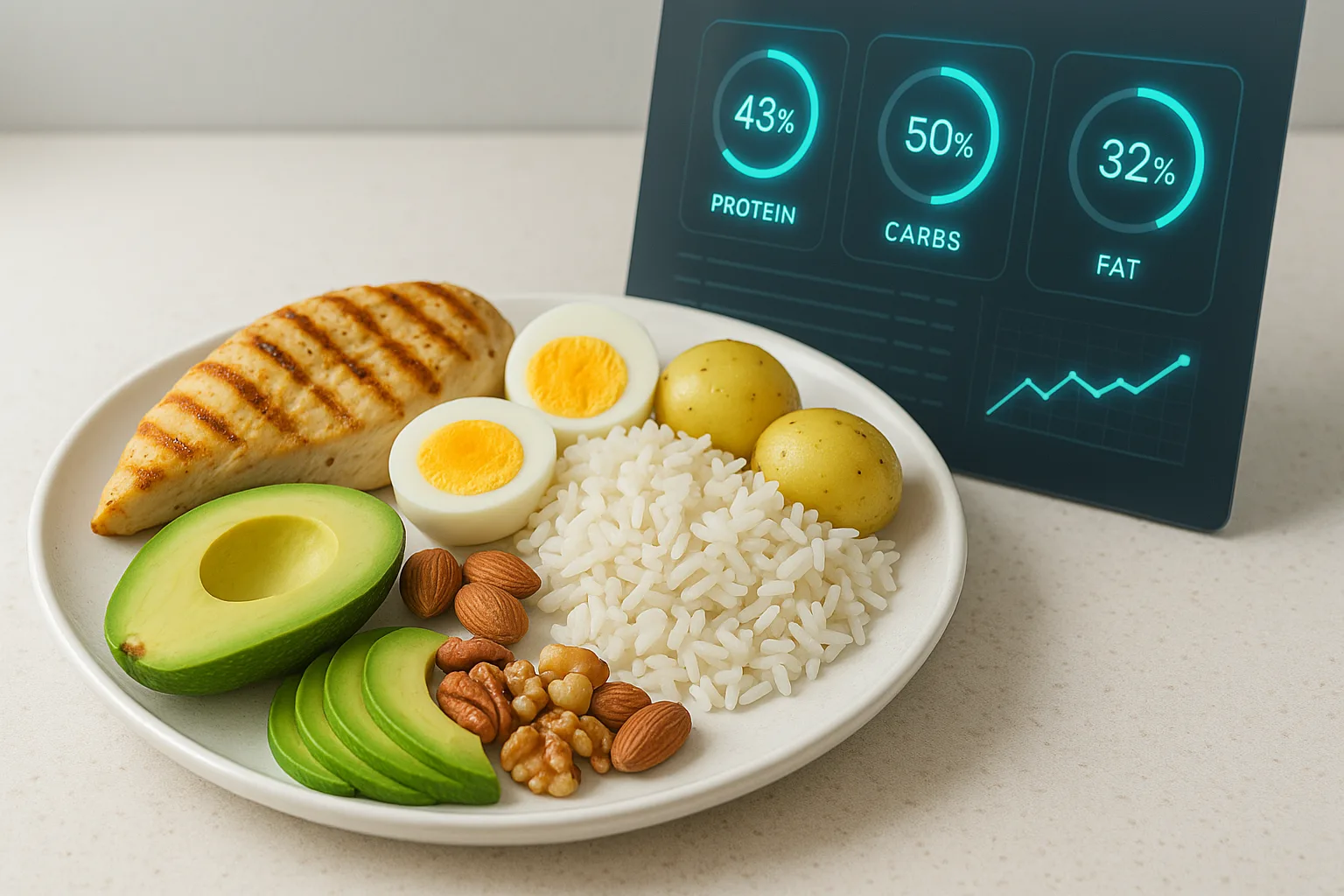
The analysis breaks the description into food items and shows calories, protein, carbohydrates, fat, vitamins, and minerals. Instead of entering every ingredient and value separately, one description becomes the starting point for the diary.
Edit Before You Save
Before the meal joins the daily summary, review the foods, amounts, and values. If you forgot a sauce, the serving looks different, or the dish had another ingredient, update the result and save the version that matches your meal.
Your Routine Creates the Personal Context
Every saved meal joins your day. Over time, you can see which foods return, how calories and macros add up, and where vitamins and minerals appear. The diary begins to reflect the food you actually choose rather than a generic plan detached from your routine.
A Short Flow You Can Repeat
- Describe the meal by voice or text.
- Add an amount or extra worth remembering.
- Review the nutrition breakdown and edit when needed.
- Save and see the meal inside the daily summary.
The value of CaloTec-AI goes beyond faster typing. It connects a natural food description with a diary you can read, edit, and use every day.
Want to shorten meal logging?
Download, describe what you ate, and review the estimate before saving.